
Data anonymization
Sometimes attendance data has to leave the classroom — for an audit, a review, or a researcher — without carrying students’ names with it. Student codes let you share the records and keep the identities out.
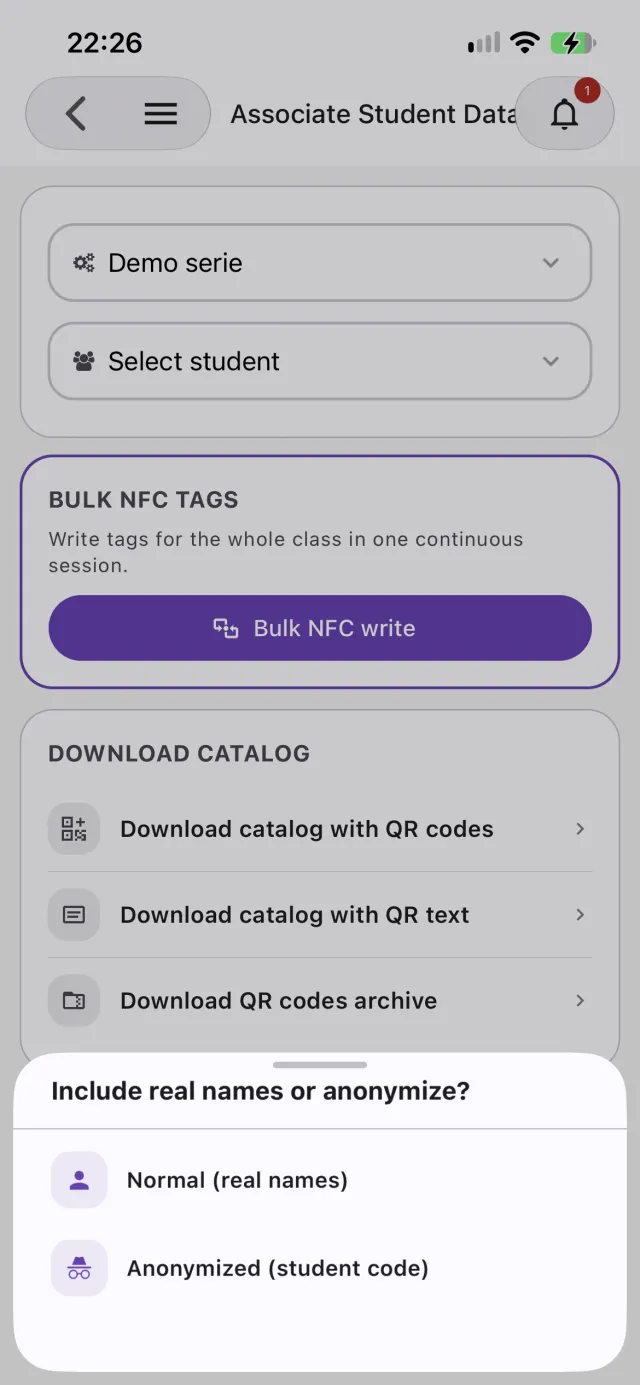
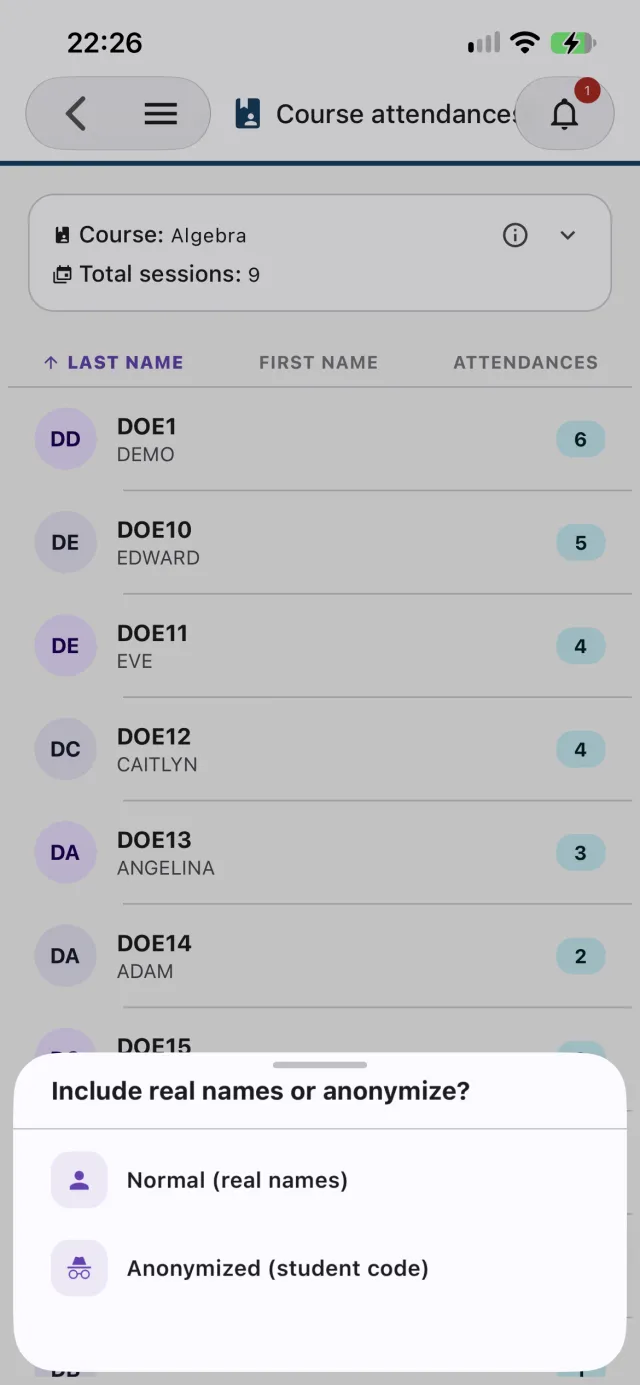
A unique code per student
Each student can have a school-assigned code, unique across the system. Add it as a column when you import a roster from Excel.
Normal or anonymized, per export
Attendance exports and roster exports — the QR catalog, QR image archive, Apple Wallet archive, and Google Wallet export — offer a Normal or Anonymized choice. Anonymized swaps names for the code in columns, file names, and card or pass labels.
Row order can’t give students away
Anonymized exports are shuffled, so a student’s position in the list — alphabetical, or in roster order — can’t be used to work out who they are.
Controlled by permission
Only accounts granted the anonymized-export permission see the option, and the server checks it again on every request. Access stays least-privilege.