
My NFC Attendance App
Attendance made easy
Built for teachers — with full support for the student persona too. My NFC Attendance turns roll call into a two-second tap or scan, with QR code scanning, NFC tag reading, and cloud synchronization built in.
Or use the web app in your browser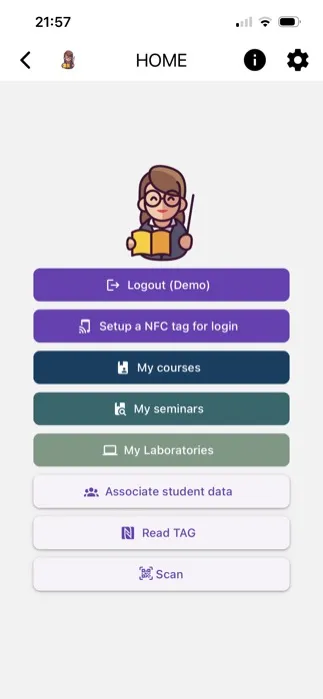
How it works
Log in
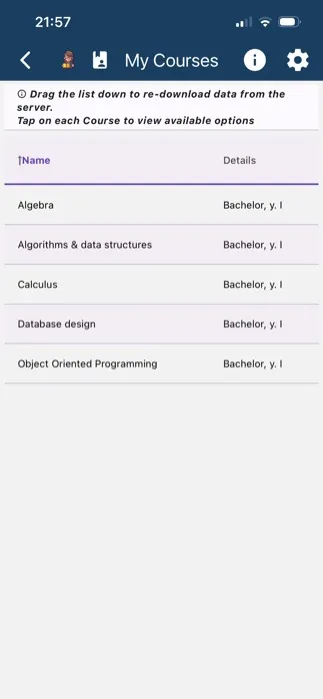
Sign in with your institutional email and password to land on a dashboard with quick access to your courses, seminars, and laboratories.
Start a session
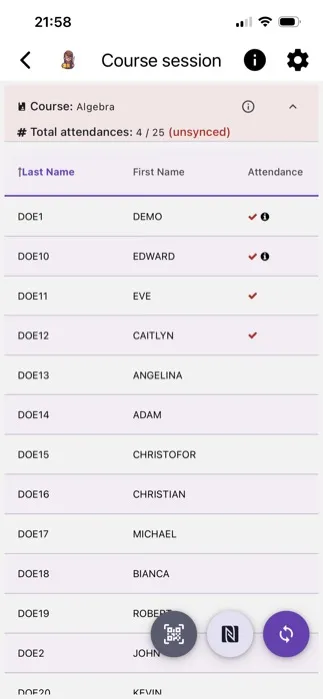
Pick a course, seminar, or laboratory and start a series or group session — the full roster loads instantly.
Mark attendance
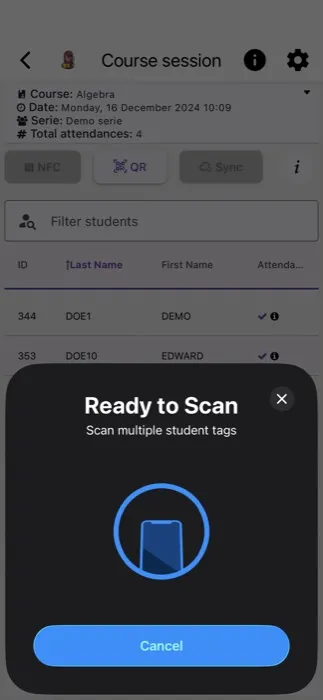
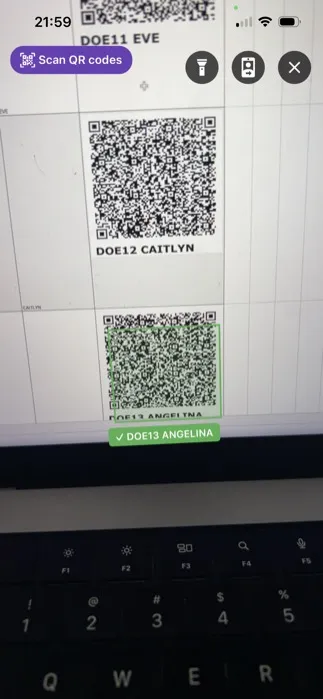
Tap an NFC tag, scan a QR code, or bulk-scan several students at once — or just tap names manually for smaller classes.
Sync & review
Hit Sync to upload securely to the cloud, then check per-student history or export a downloadable attendance catalog.
Three ways to mark attendance
NFC tags, QR codes, or manual taps — bulk-scan a whole class in seconds, or fall back to manual entry when technology isn’t available.
Unique ID per student
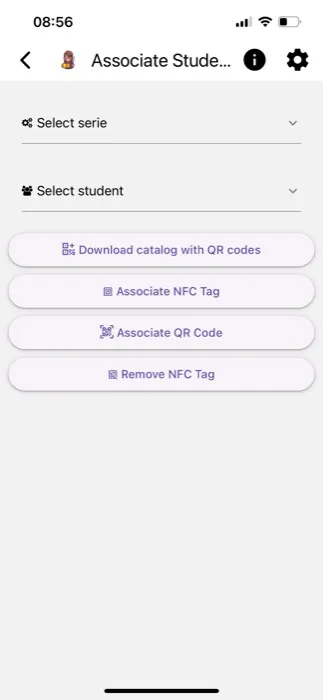
Generate a QR code or write an NFC tag for every student at enrollment, then link it to their profile for accurate tracking all year.
Save to your wallet
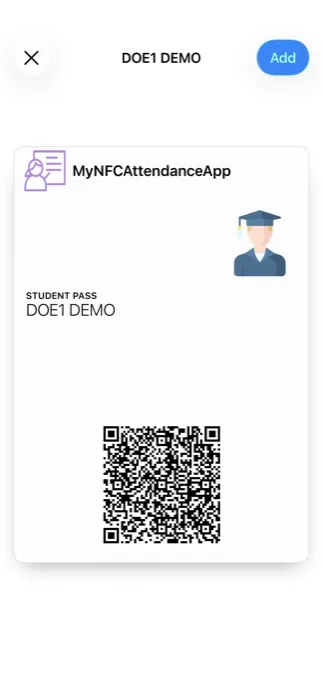
Every student pass can be saved straight to Apple Wallet or Google Wallet, so their QR code is one tap away with no app required to show it.
Cloud sync
Recorded attendances sync securely to the cloud, so your records stay backed up and accessible from any device.
Reports & insights
Review total attendances at a glance, drill into individual student history, or export a downloadable catalog for record-keeping.
Access, tightly scoped
Role-based access control follows the principle of least privilege, so student data stays visible only to authorised users.
What works on which platform
My NFC Attendance ships as a native mobile app and as a browser-based web app on the same account and the same backend. Most capabilities match — a few depend on what the device and browser actually support, so here it is plainly rather than glossed over.
| Capability | Mobile app (iOS & Android) | Web app (browser) |
|---|---|---|
| NFC tap to mark attendance | Yes — iOS and Android | Android only, in Chrome or Edge — no browser exposes NFC to a website on iOS, Safari, Firefox, or desktop |
| QR code scanning | Yes | Yes, in any modern browser |
| Manual attendance marking | Yes | Yes |
| Bulk NFC tag writing for a class | Yes | Android only, in Chrome or Edge |
| Passwordless NFC tag login | Yes | Android only, in Chrome or Edge |
| Add pass to Apple Wallet | Yes — one tap, on iOS | Best-effort on iPhone Safari — opens a share sheet rather than a guaranteed one-tap install |
| Add pass to Google Wallet | Yes, on Android | Yes |
| Biometric app lock | Yes | Not applicable — browsers have no equivalent |
| Course, series & roster management | Yes | Yes |
| Excel import & catalog exports | Yes | Yes |
| Nothing to install | No — requires an app store install | Yes — open the URL in a browser; can also be installed as a Progressive Web App |